Modules Installation
This page collects your choice for the modules to install in your new site. Modules may be added or removed at any time, if desired.
After entering the requested information and correcting any issues, select the “Continue” button to proceed.
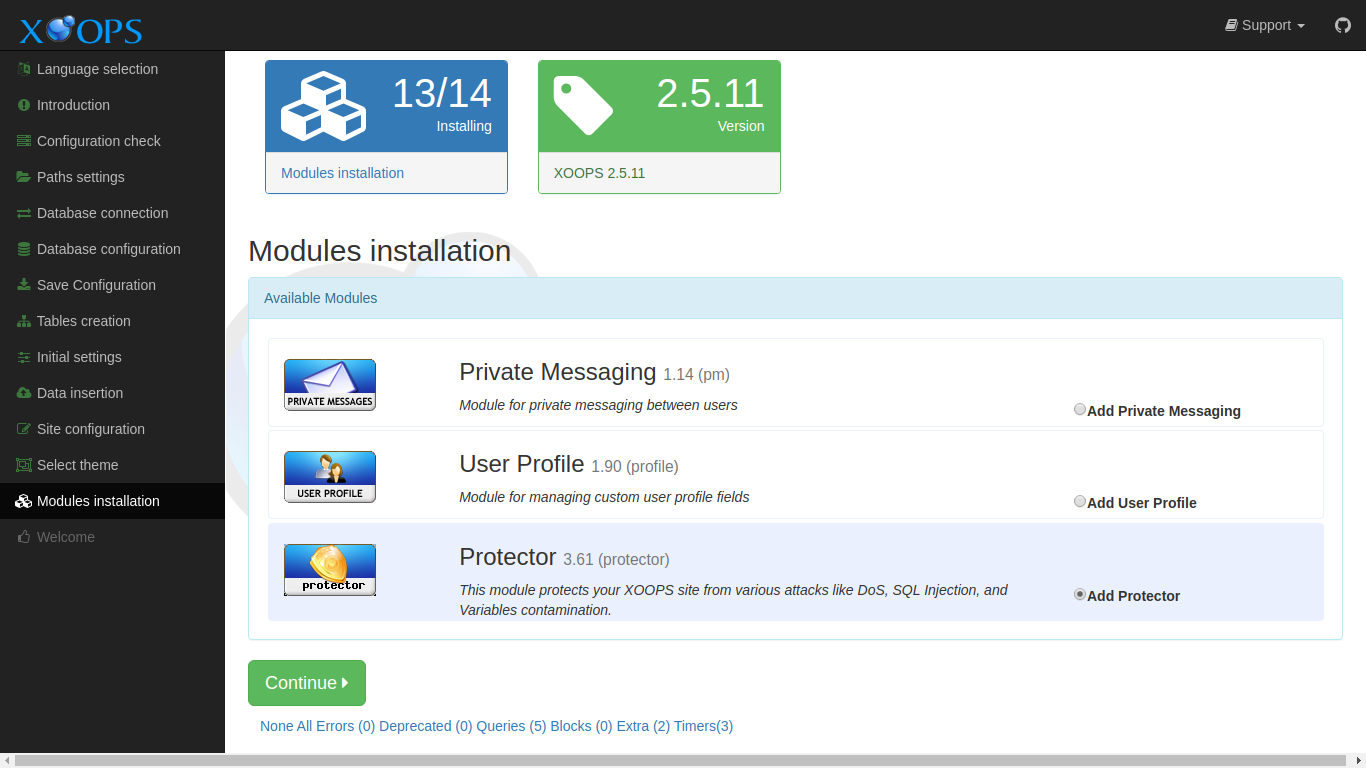
Data Collected in This Step
Section titled “Data Collected in This Step”Available Modules
Section titled “Available Modules”Select “Yes” to install a module. You may select none, any or all modules.
These are the modules included with a standard XOOPS 2.7.0 install.
- Private Messaging - enhanced private messaging between users
- User Profile - enhanced/custom user profiles
- Protector - enhanced site security, spam controls and attack mitigation
- DebugBar - a development and staging debug toolbar based on Symfony VarDumper; useful for module developers and for diagnosing production issues, but usually not needed on a public-facing live site
The System module is always installed and is not listed here as an option.
You can add modules to the modules directory when uploading the XOOPS files before starting the install, and they will also be available in this step.
Strong Recommendation
Section titled “Strong Recommendation”All XOOPS sites should install the Protector module.