After the Upgrade
Update the System Module
Section titled “Update the System Module”After all needed patches have been applied, selecting Continue will set everything up to update the system module. This is a very important step and is required to complete the upgrade properly.
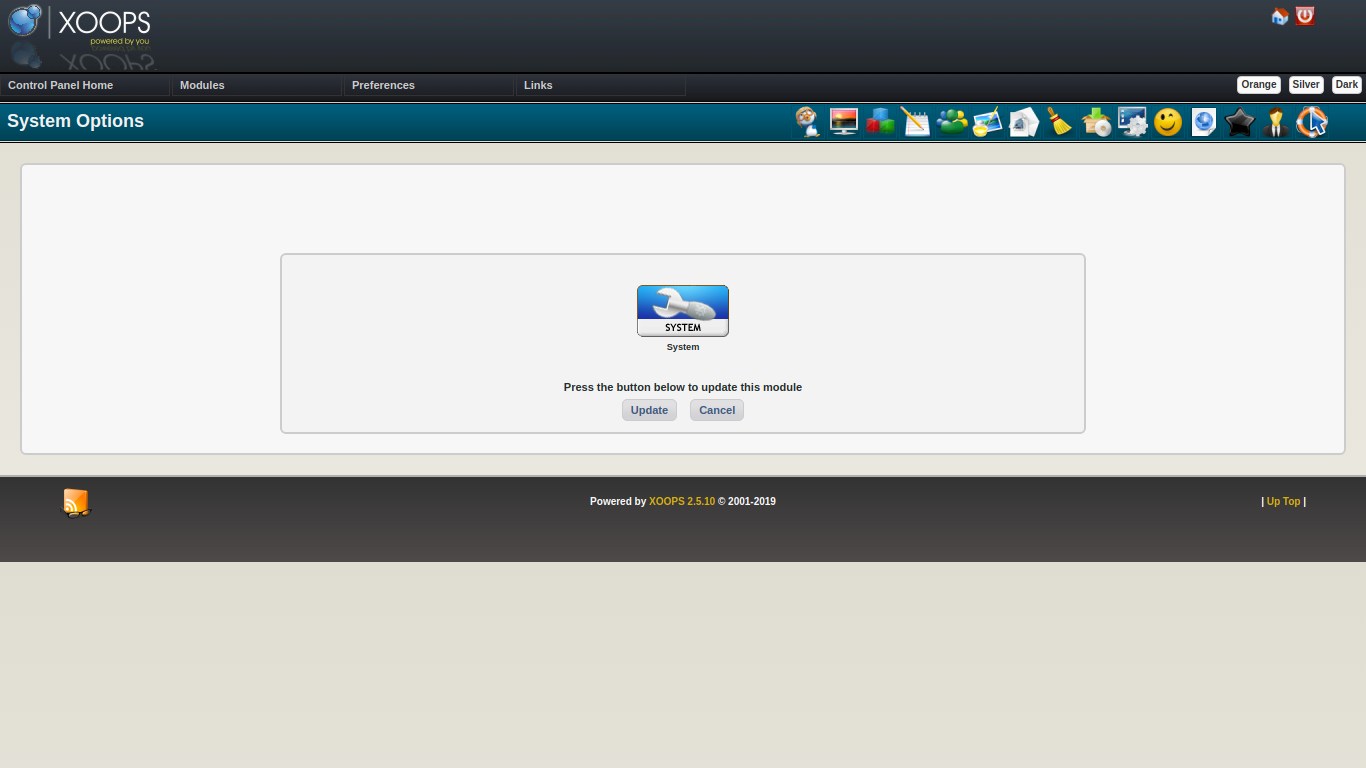
Select Update to perform the update of System module.
Update Other XOOPS Supplied Modules
Section titled “Update Other XOOPS Supplied Modules”XOOPS ships with three optional modules - pm (Private Messaging,) profile (User Profile) and protector (Protector) You should do an update on any of these modules that are installed.
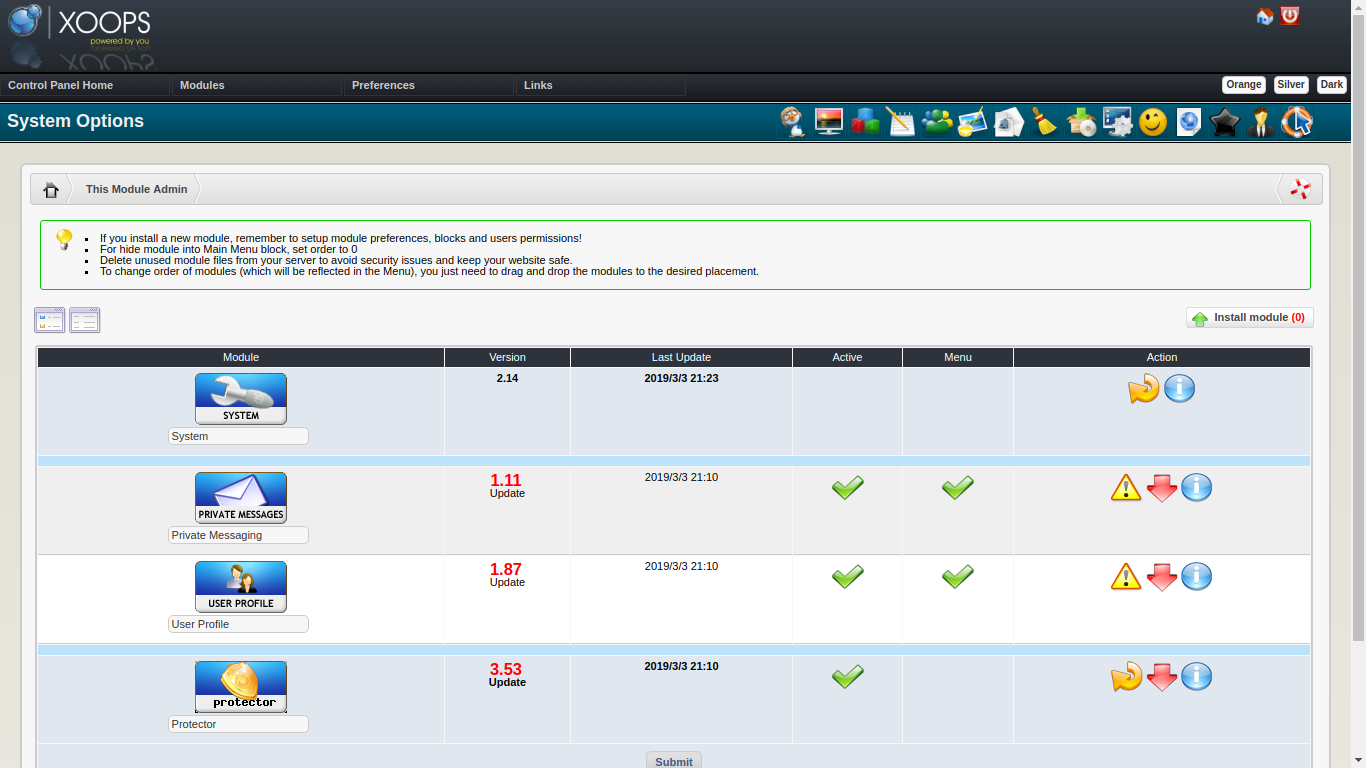
Update Other Modules
Section titled “Update Other Modules”It is likely that there are updates to other modules that might enable the modules to work better under your now updated XOOPS. You should investigate and apply any appropriate module updates.
Review New Cookie Hardening Preferences
Section titled “Review New Cookie Hardening Preferences”The XOOPS 2.7.0 upgrade adds two new preferences that control how session cookies are issued:
session_cookie_samesite— controls the SameSite cookie attribute.Laxis a safe default for most sites. UseStrictfor maximum protection if your site does not rely on cross-origin navigation.Noneis only appropriate if you know you need it.session_cookie_secure— when enabled, the session cookie is only sent over HTTPS connections. Turn this on if your site runs on HTTPS.
You can review these settings under System Options → Preferences → General Settings.
Validate Custom Themes
Section titled “Validate Custom Themes”If your site uses a custom theme, walk through the front end and admin area to confirm that pages render correctly. The upgrade to Smarty 4 may affect custom templates even if the preflight scan passed. If you see rendering problems, revisit Troubleshooting.
Clean Up Installation and Upgrade Files
Section titled “Clean Up Installation and Upgrade Files”For security, remove these directories from your web root once the upgrade is confirmed working:
upgrade/— the upgrade workflow directoryinstall/— if present, either asinstall/or as a renamedinstallremove*directory
Leaving these in place exposes the upgrade and installation scripts to anyone who can reach your site.
Open Your Site
Section titled “Open Your Site”If you followed the advice to Turn your site off, you should turn it back on once you have determined it is working correctly.