Running Upgrade
Before running the main upgrader, make sure you have completed the Preflight Check. The upgrade UI requires preflight to be run at least once and will direct you there if you have not.
Launch the upgrade by pointing your browser to the upgrade directory of your site:
http://example.com/upgrade/This should show a page like this:
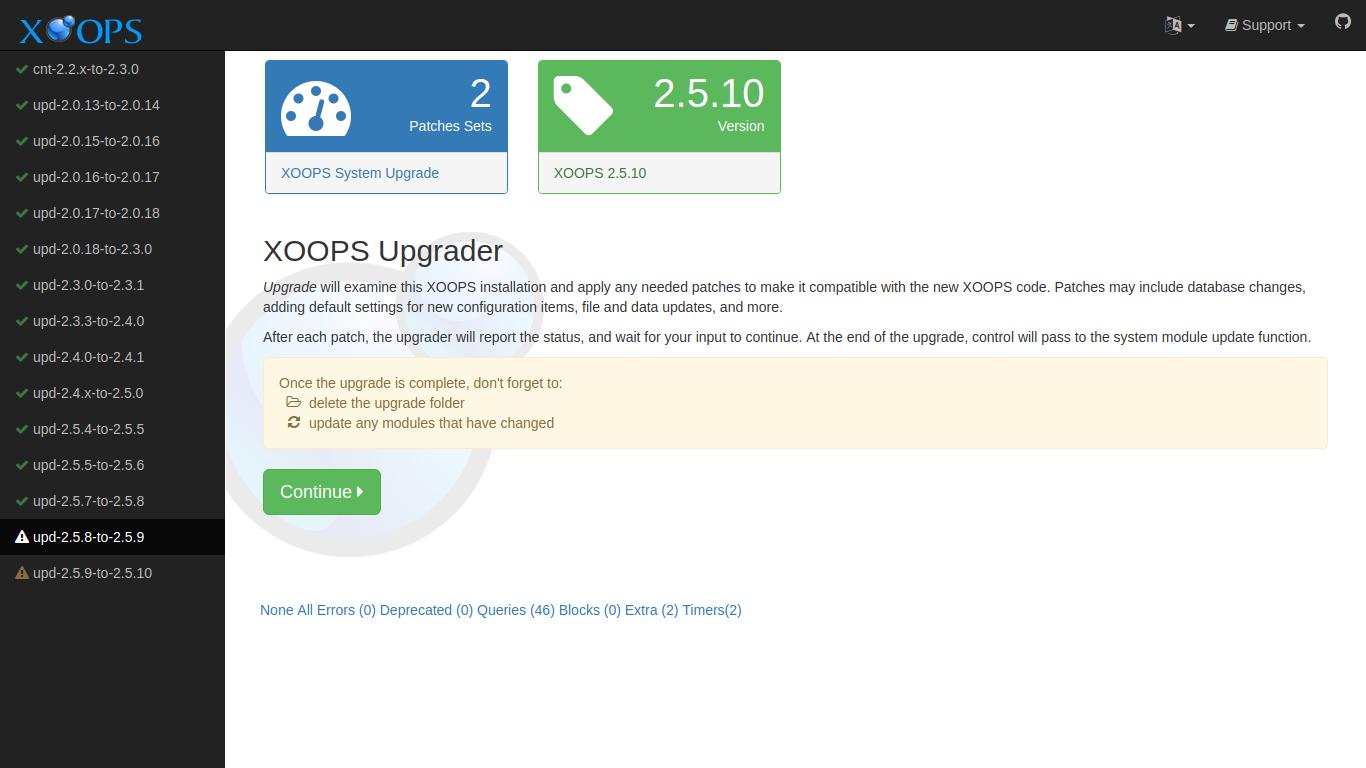
Select the “Continue” button to proceed.
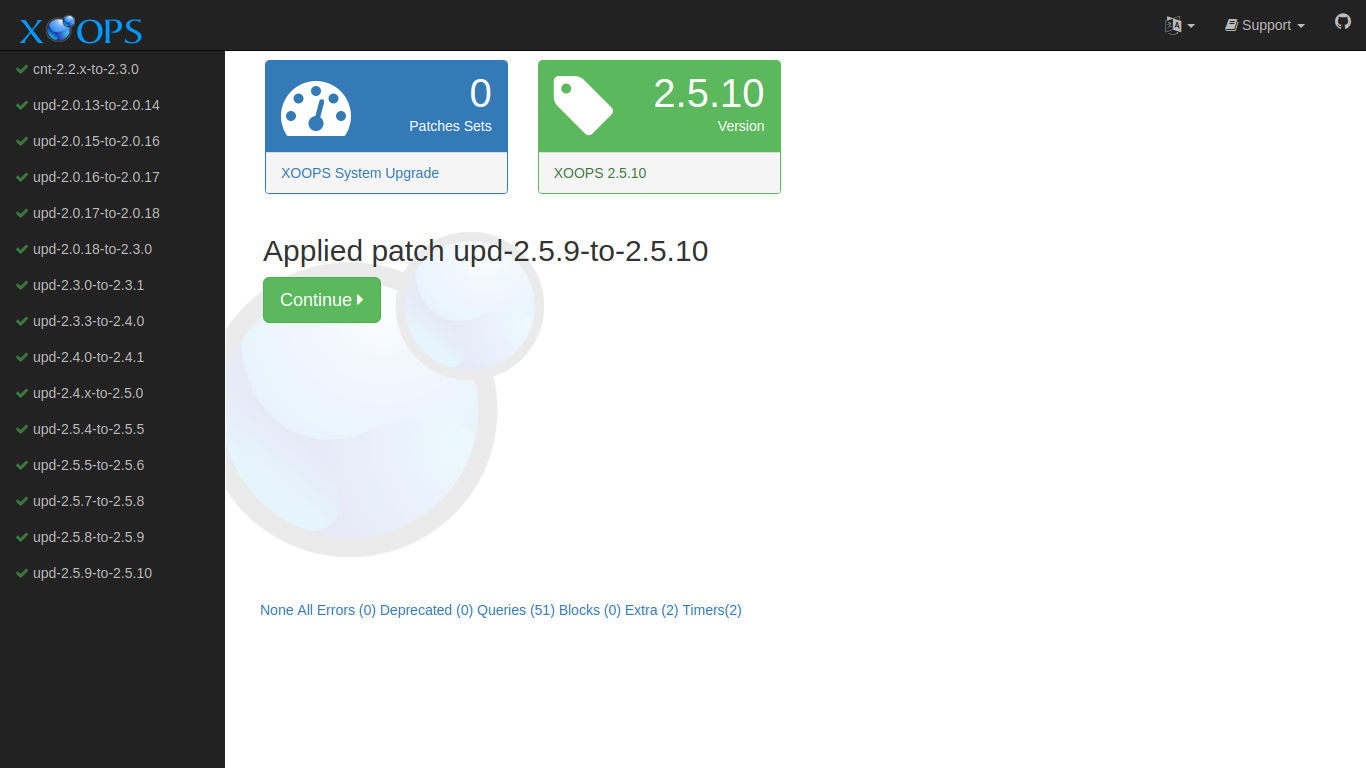
Each “Continue” advances through another patch. Keep continuing until all patches are applied, and the System Module Update page is presented.
What the 2.5.11 → 2.7.0 Upgrade Applies
Section titled “What the 2.5.11 → 2.7.0 Upgrade Applies”When upgrading from XOOPS 2.5.11 to 2.7.0, the upgrader applies the following patches. Each is presented as a separate step in the wizard so you can confirm what is being changed:
- Remove obsolete bundled PHPMailer. The bundled copy of PHPMailer inside the Protector module is deleted. PHPMailer is now supplied through Composer in
xoops_lib/vendor/. - Remove obsolete HTMLPurifier folder. Similarly, the old HTMLPurifier folder inside the Protector module is deleted. HTMLPurifier is now supplied through Composer.
- Create the
tokenstable. A newtokenstable is added for generic scoped token storage. The table has columns for token id, user id, scope, hash, and issued/expires/used timestamps, and is used by token-based features in XOOPS 2.7.0. - Widen
bannerclient.passwd. Thebannerclient.passwdcolumn is widened toVARCHAR(255)so it can store modern password hashes (bcrypt, argon2) instead of the legacy narrow column. - Add session cookie preferences. Two new preferences are inserted:
session_cookie_samesite(for the SameSite cookie attribute) andsession_cookie_secure(to force HTTPS-only cookies). See After the Upgrade for how to review these after the upgrade completes.
None of these steps touch your content data. Your users, posts, images, and module data remain untouched.
Choosing a Language
Section titled “Choosing a Language”The main XOOPS distribution comes with English support. Support for additional locales is supplied by XOOPS Local support sites. This support can come in the form of a customized distribution, or additional files to add to the main distribution.
XOOPS translations are maintained on transifex
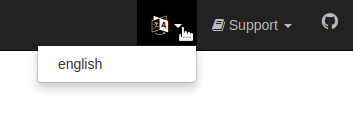
If your XOOPS Upgrader has additional language support, you can change the language by selecting the language icon in the top menus, and choosing a different language.